Target Type: CustomAttributeRenderer
- The
CustomAttributeRendererwidget is used to dynamically render custom widgets for attributes in a layout. - It provides a flexible way to extend the functionality of standard attribute rendering by allowing to define custom logic and UI for specific attributes.
Coding Guidelines
pageContext: ThepageContextprovided to the custom widget contains the following content:
{
  attribute: {
    config: object, // Configuration of the attribute
    value: any, // Current value of the attribute
    options: object, // Additional options for rendering
    getAttributeValue: function, // Function to retrieve the attribute's value
  },
  currentInstance: object, // The current instance being rendered
  settings: object, // Application settings
  userData: object, // Logged-in user details
}
Typical Use Cases
- Used to render custom widgets for attributes in a layout.
- Allows to define custom UI and functionality for specific attributes.
- Provides flexibility to implement additional business logic, validations, or data visualizations.
- Synchronizes custom widget changes with the rest of the layout using the
getAttributeValuefunction.
Example Usage
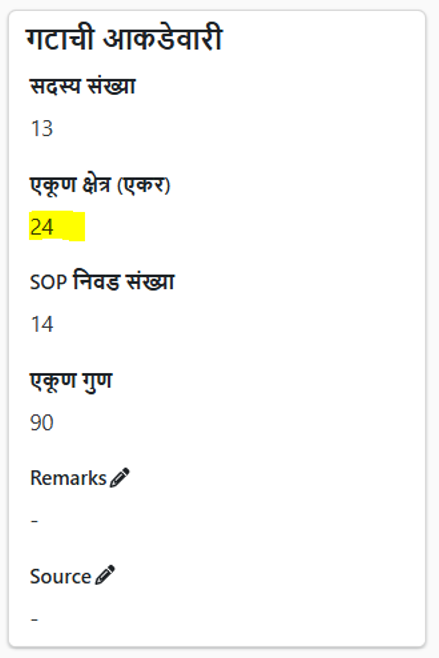
function AreaAttrCustomWidget(pageContext) {
  const { value, getAttributeValue } = pageContext.attribute;
  const { protrakComponents } = React.useContext(customWidgetContext);
  const { Box } = protrakComponents;
  const Area = getAttributeValue(value); // e.g. value of Area is 960
  const spanStyle = {
    textAlign: 'left', // Ensures the text within the span is aligned left
    display: 'block', // Ensures the span behaves like a block element to respect the text alignment
    width: '100%', // Ensures the span takes the full width of the parent container
  };
  if (Area === null) {
    return <span>0</span>;
  }
  return <span>{Area / 40}</span>;
}
UI