Updating existing project to .NET8
-
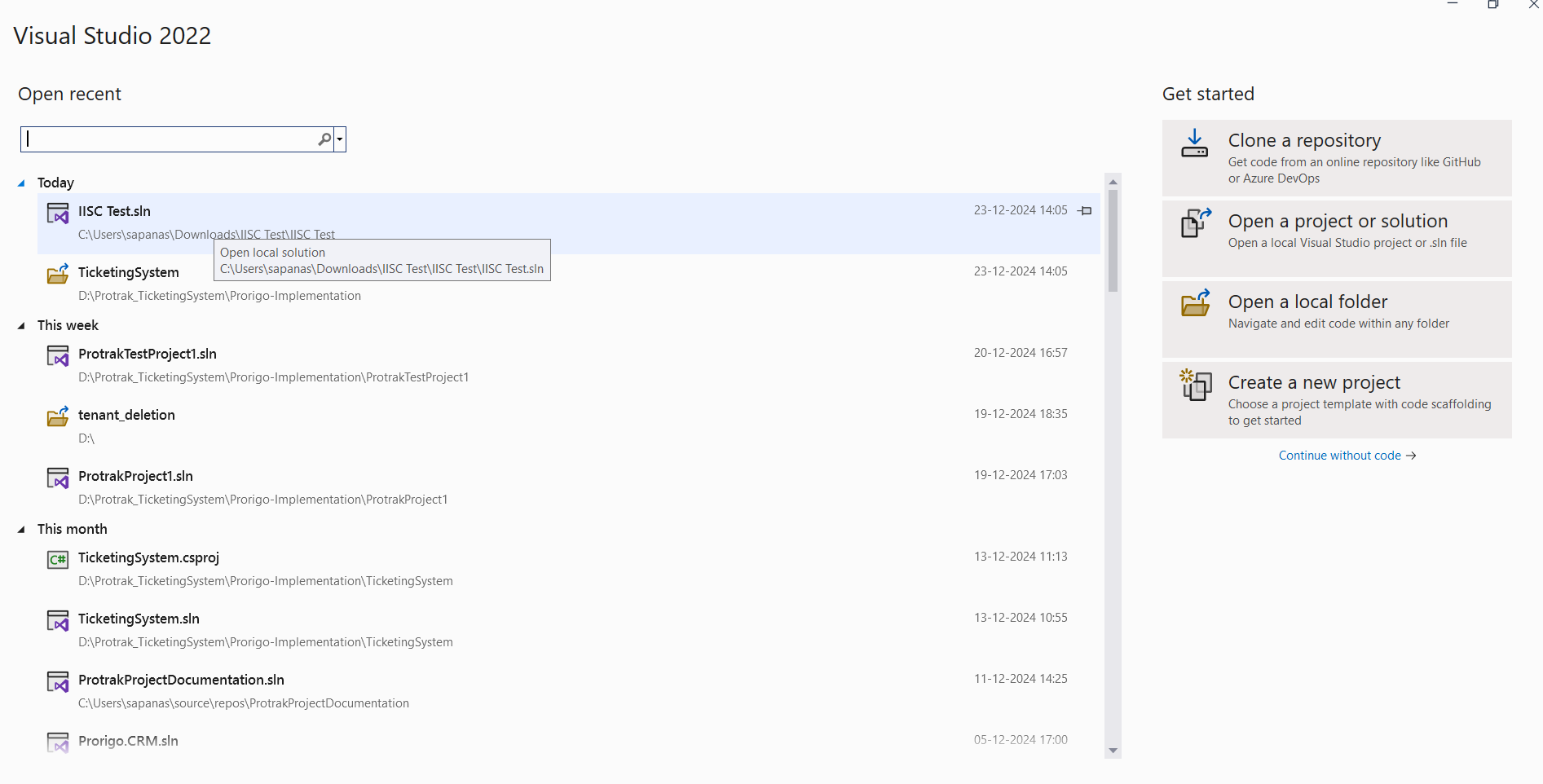
If you don't have .NET Upgrade Assistant, then install it. Open Visual Studio -> open any project or continue without code.
-
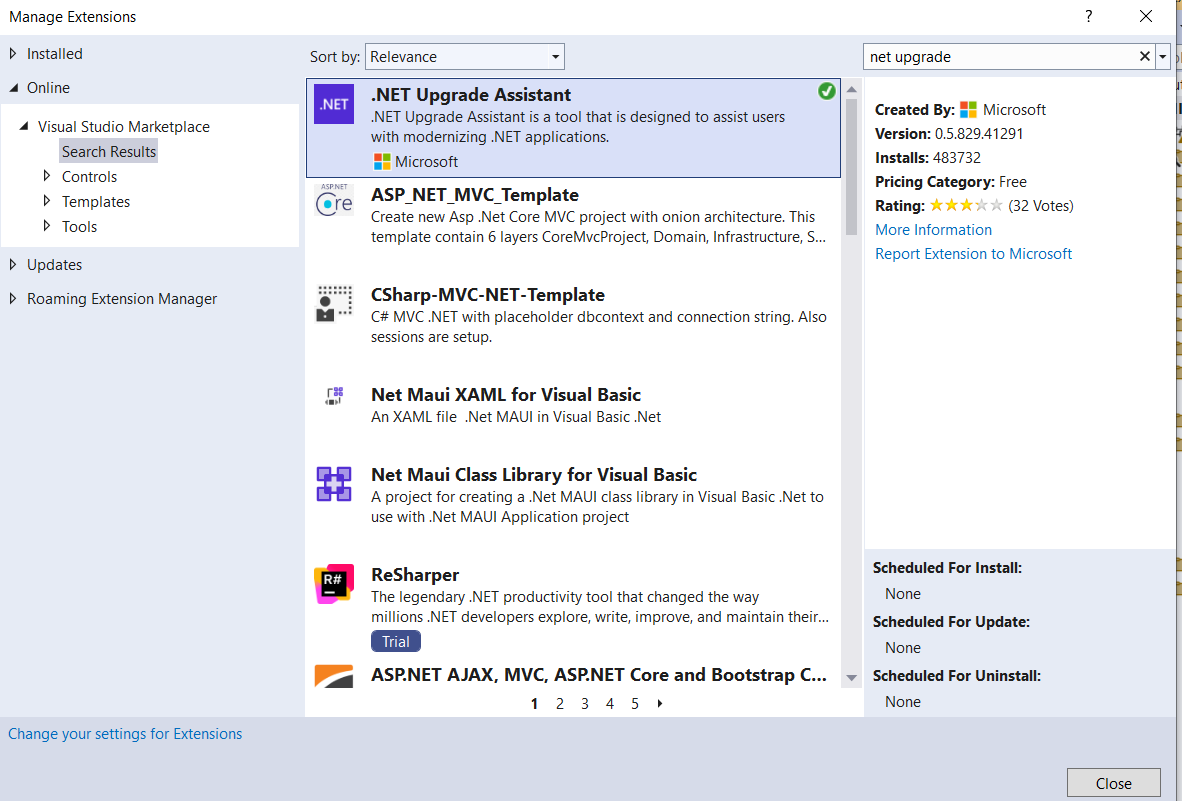
Once Visual Studio is ready, click on Extensions menu -> Manage Extension -> Click on Online -> Enter “Install the .Net Upgrade Assistant” in search area.
-
Select .NET Upgrade Assistant from the result and click on Download -> After completing download, close Visual Studio.
-
Installation will begin automatically -> Proceed for Installation Process -> Modify the extension if needed -> close -> open Visual Studio.

-
Open Visual Studio -> Open Existing Project which we want to Upgrade. Follow document to upgrade 'https://devblogs.microsoft.com/dotnet/upgrade-assistant-now-in-visual-studio/ '